
A2 Game Login (v2.0.20) – Sign In, Reset Password and Fix Errors
Most of the time you’re into your A2 Game account in seconds. But now and then the OTP drags, or that password slips your mind. We’ve all been there.
So here’s the full rundown – how to sign in, reset your password, clear the common errors, and keep things secure. Want the games and payment details first? Have a look at the A2 Game home page.
Table of Contents10 sections
The Quick Basics
| Item | Detail |
|---|---|
| Log In With | Your registered mobile number and password |
| Extra Step | An OTP by SMS |
| 2-Step Login | Optional, though worth switching on |
| Use On | The app or any browser |
| Lost Password | Recover it from the sign-in screen |
| Duration | A minute or less, usually |
| Support | 24/7 live chat |
How to Log In
It’s quick, honestly:
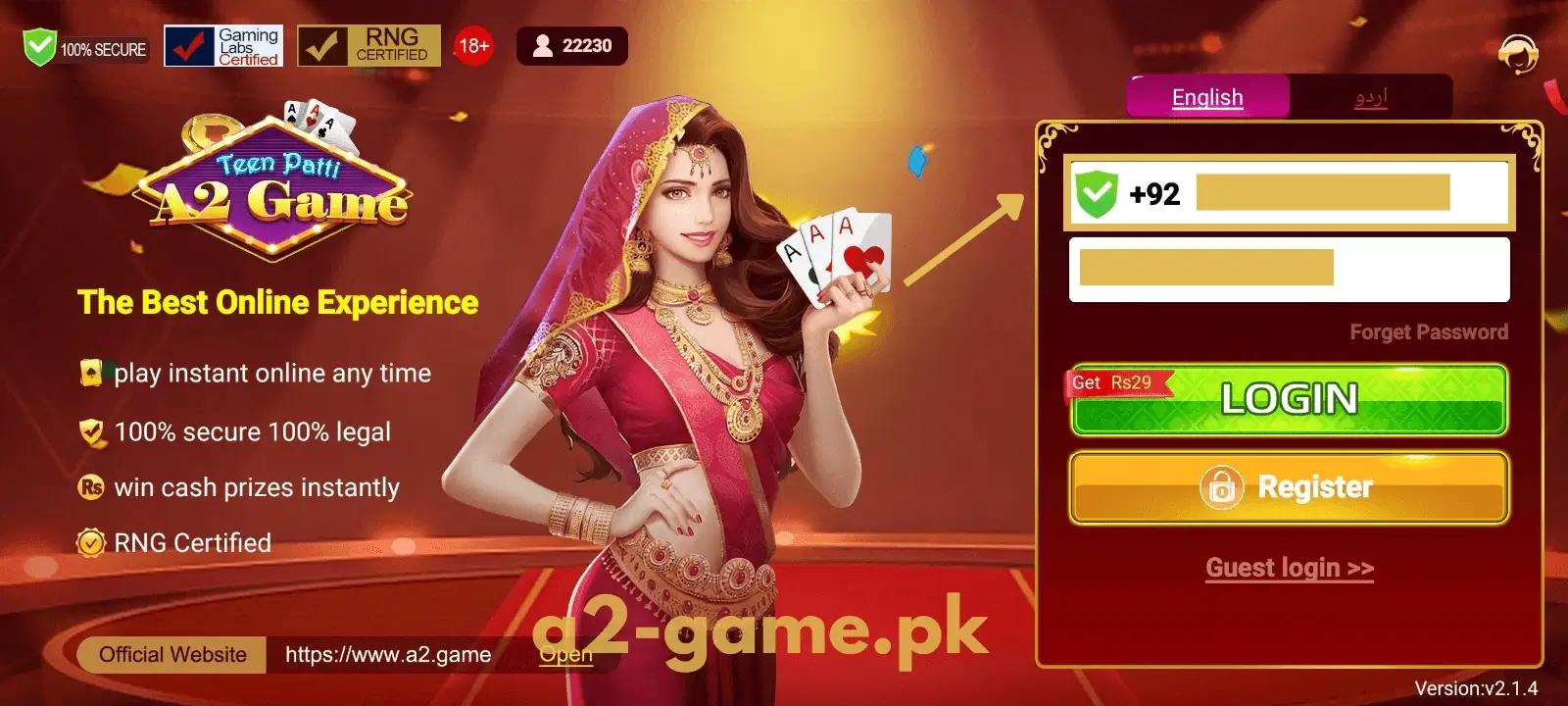
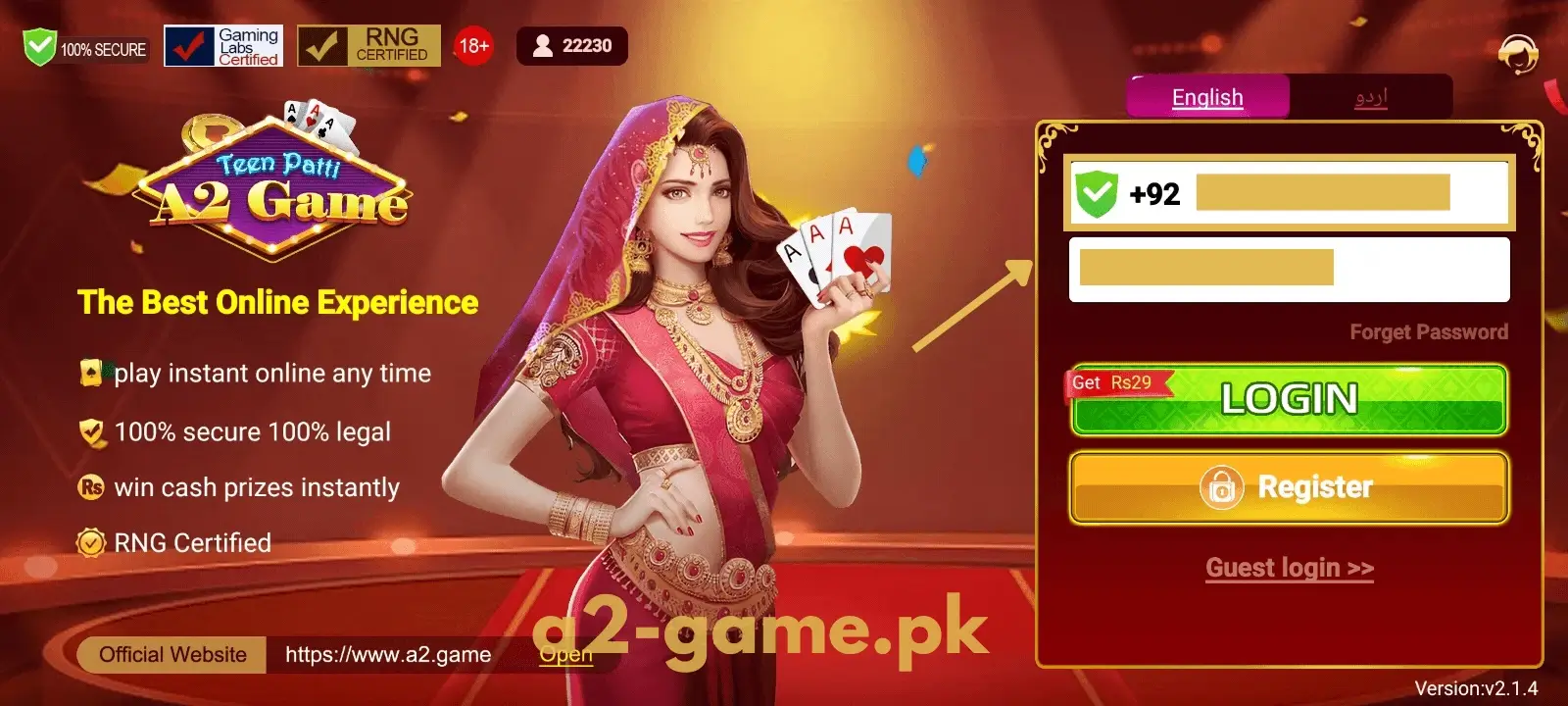
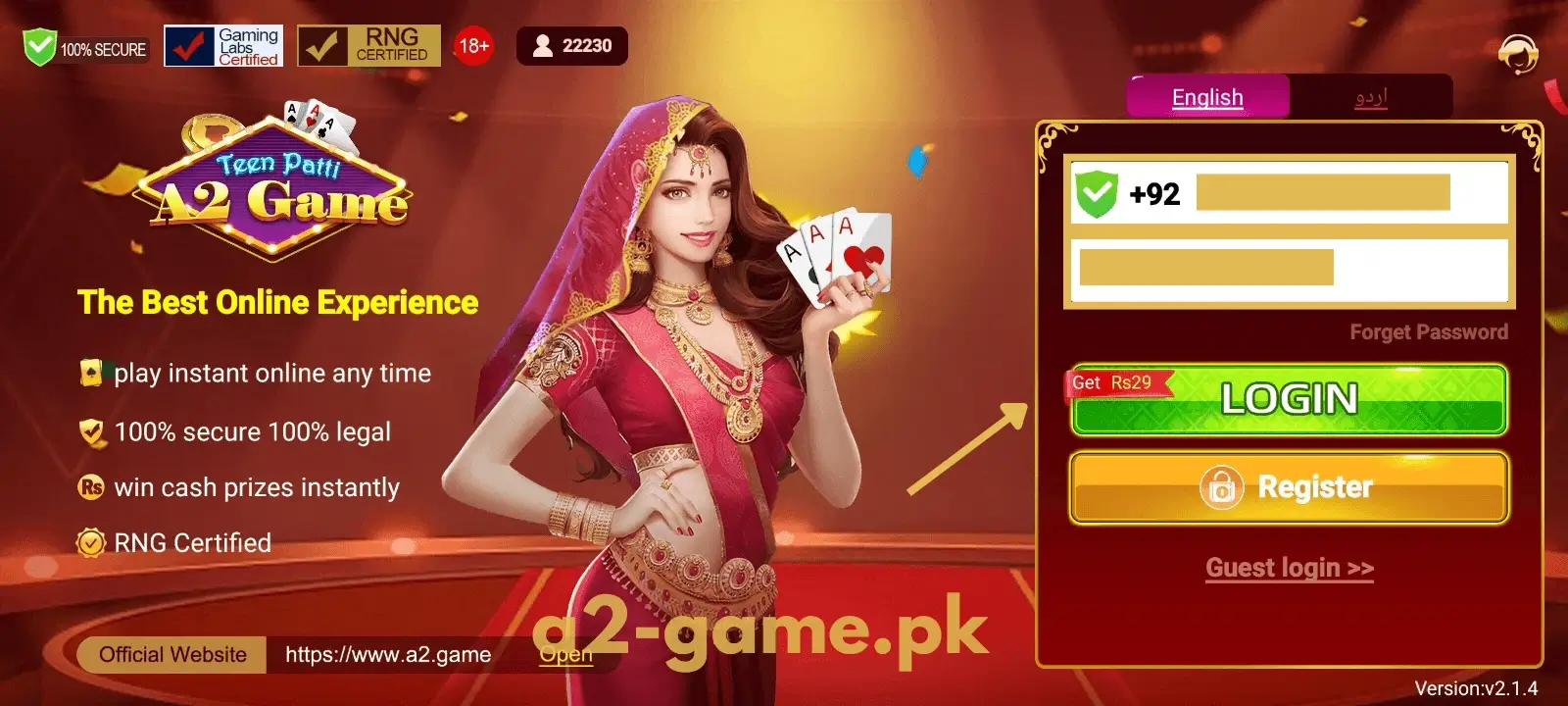
- Open the A2 Game app, or load the site in your browser.
- Tap Login.
- Put in your registered number – the app usually takes both 03xx and +923xx formats.
- Type your password carefully. It shows as dots, so go slow.
- If an OTP pops up, enter the code from your SMS before the timer runs out.
- And you’re in – the dashboard opens, ready to play.
No account yet? Start on the registration page.
Forgot Your Password? No Stress
It happens to everyone. Here’s the way back in:
- Hit “Forgot Password” on the sign-in screen.
- Put in your registered mobile number.
- An OTP comes through – enter it.
- Pick a new password, and this time jot it down somewhere safe.
- Sign back in using it.
If the OTP drags, hang on a minute before requesting another.
Logging In on PC and iPhone
Not using Android? That’s fine. Open the web version in a browser on your PC or iPhone and log in with the same details. On a computer, an emulator can run the app too.
No matter the device, your account, balance, and bonuses stay exactly the same.
When Login Won’t Work
Hit a wall? It’s normally one of these, and each is an easy fix:
- Wrong details – A single wrong character blocks you. Re-type it carefully.
- No OTP – Usually a weak signal. Shift spots or switch to mobile data, then resend.
- Expired OTP – The code ran out of time. Just ask for a new one.
- Locked account – Too many failed tries pauses it briefly. Wait a bit, or reach support.
- Outdated app – Update to the newest A2 Game version and retry.
A Few Login Tips
A couple of small habits make life easier:
- Save your password somewhere safe – your phone’s notes or a notepad.
- Don’t log in on public WiFi. Use your own data or a trusted network.
- After a successful login, a quick screenshot of your details can help if you forget later.
Keeping Your Account Safe
Your balance lives in this account, so guard it. Pick a strong password – not the one you use everywhere – and switch on two-step login if it’s there.
And honestly, don’t give your number, password, or OTP to anyone, even if they say they’re support. Real support never asks for those.
Log in only on the official app or site. Those fake pop-ups exist purely to grab your details.
A Quick Note on Verification
Good news – you mostly just need your number and password to log in. No social login with Google or Facebook needed.
If you log in from a new device, the app might ask for an OTP just to be sure it’s you. And for bigger withdrawals, there may be a one-time verification check. Both just keep your account safe.
Last Word
Put in the right details and you’re into A2 Game in seconds. And if you forget your password, the reset takes a minute.
Something else bugging you? Live chat runs all day. Don’t have the app yet? Pick it up from the download page.