
A2 Game Registration (v2.0.20) – Create Account Free & Get Sign Up Bonus
Before you can play any game or grab a bonus on A2 Game, you’ll need an account. Good news – it takes barely a minute.
No CNIC, no email, no long forms. Just your number and you’re in. And new players get a sign-up bonus too. Want the full game and payment details first? Have a look at the A2 Game home page.
Table of Contents11 sections
The Quick Basics
| Item | Detail |
|---|---|
| Sign Up With | Mobile number and a password |
| Verify Via | An OTP by SMS |
| Invite Code | Optional – adds bonus rewards |
| Welcome Reward | Sign-up bonus for newcomers |
| CNIC Required? | No – only for larger withdrawals later |
| Use On | The app or any browser |
| Duration | Under a minute |
| Price | Free |
| Age | 18+ |
How to Sign Up
Honestly, it’s just a few taps:
- Open the app or load the website.
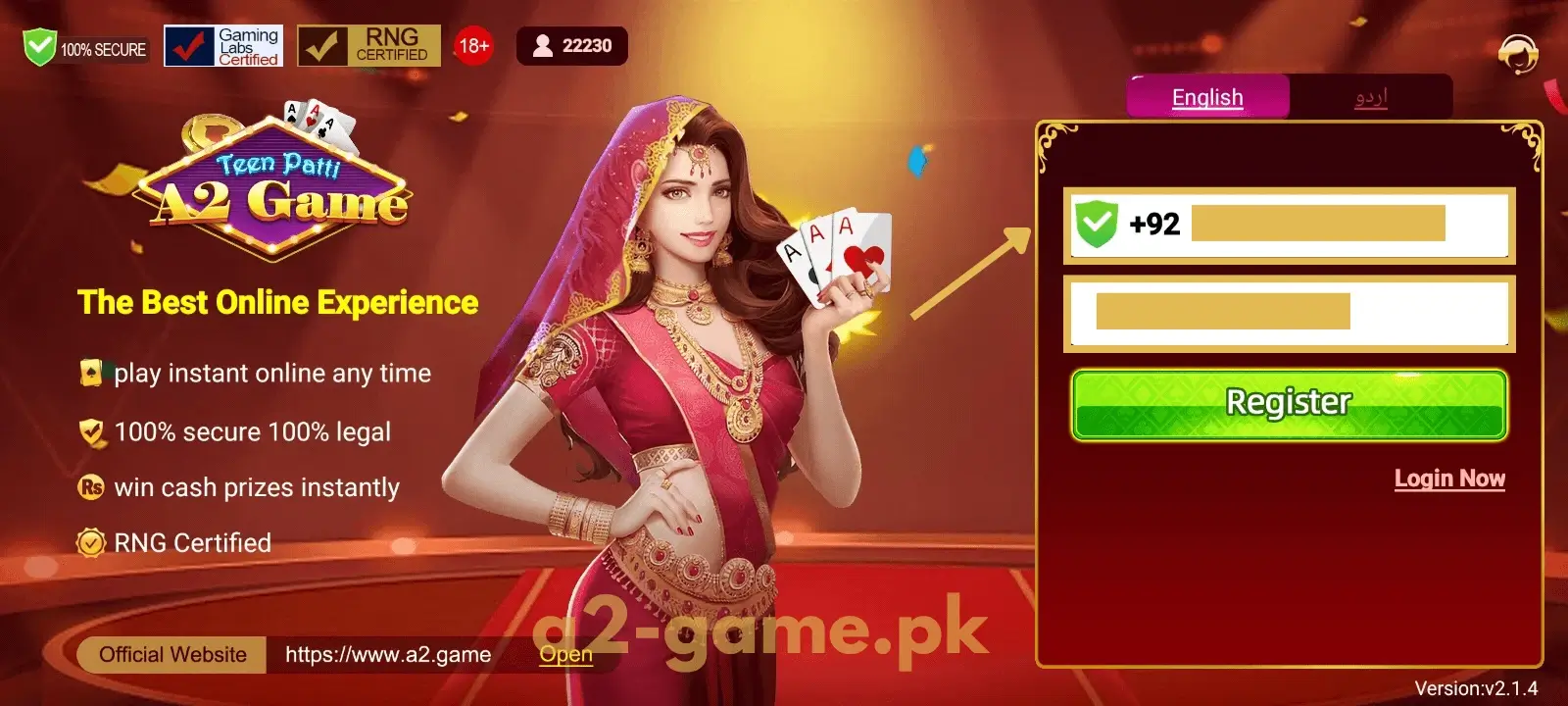
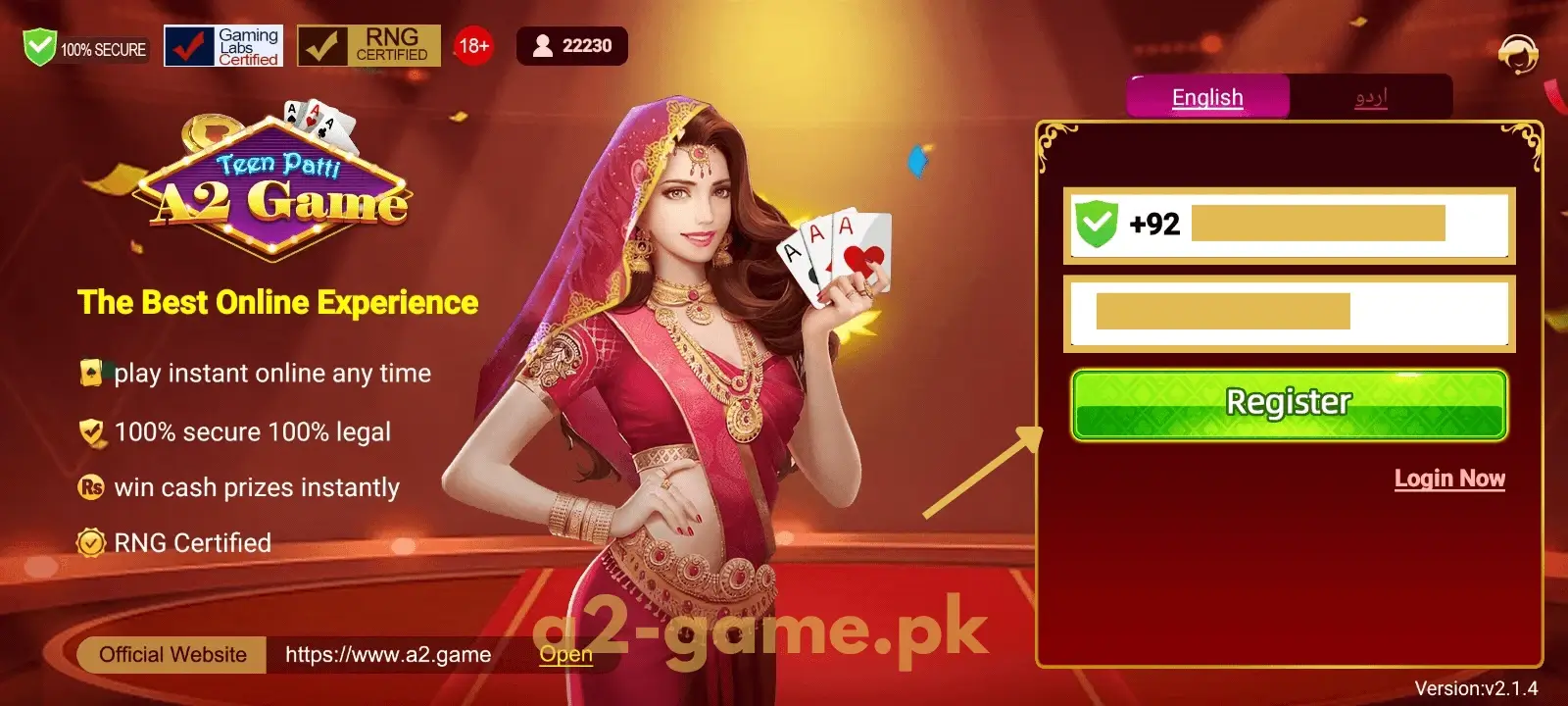
- Tap the Register button.
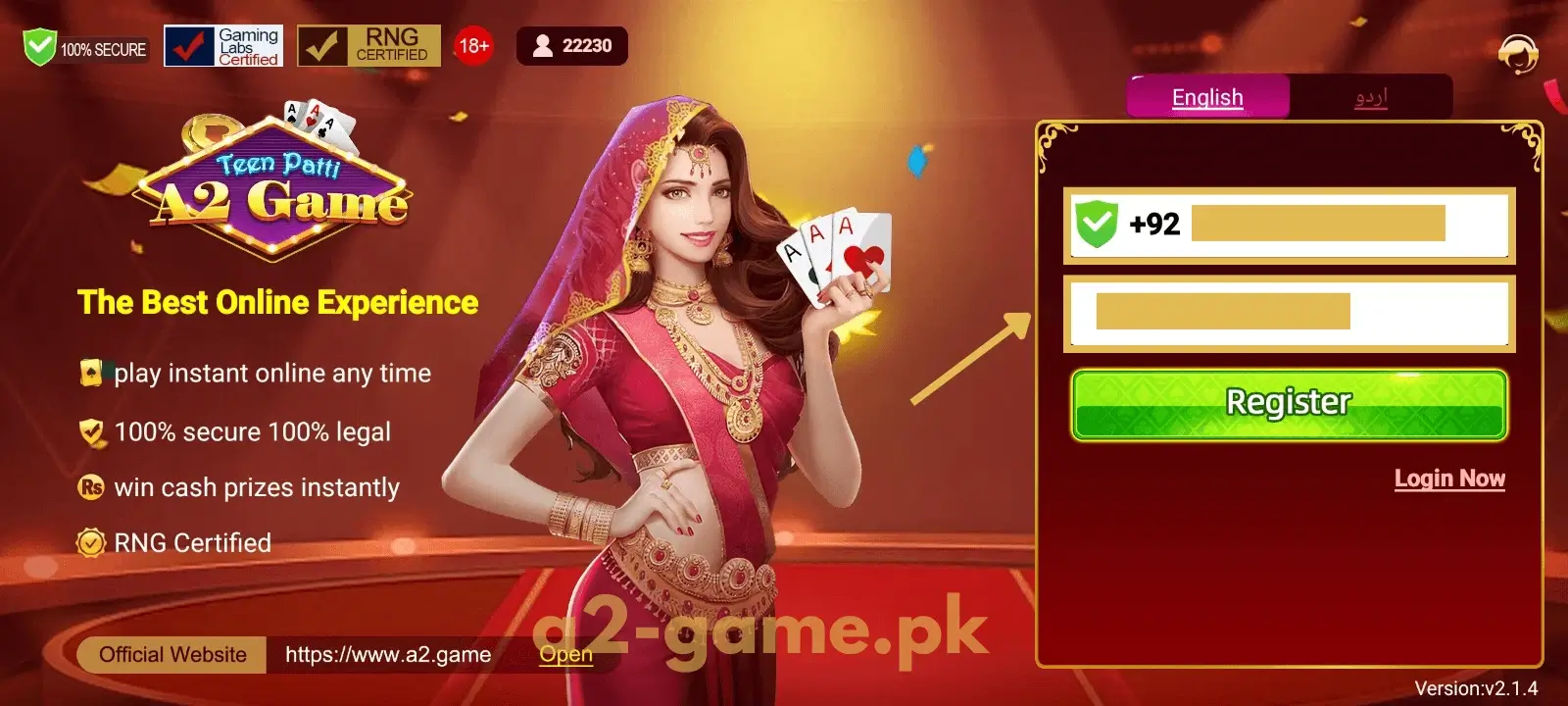
- Put in a valid Pakistani mobile number – use your own, since you’ll need it for login and withdrawals.
- Pick a strong password – one you’ll actually remember.
- Have an invite code? Drop it in here for bonus rewards.
- Hit Get OTP, type the code from your SMS, and that’s it.
No app yet? Grab it from the download page first.
Finish Setting Up Your Profile
Once your account’s made, take a minute to complete your profile. It keeps things secure and makes withdrawals smoother later.
Add your name and link your number. For bigger withdrawals down the line, the app may ask for your CNIC – that’s just a one-time check to confirm it’s really you.
And it’s smart to bind a payout method early – a JazzCash or Easypaisa wallet, or your bank – so cashing out later is quick.
Refer Friends and Earn
Here’s a nice touch. After you sign up, you’ll have your own referral code.
Pass it to friends over WhatsApp, Facebook, or SMS. Once a friend signs up with it, adds money, and starts playing, a bonus lands for both of you.
Bring in more active friends and your earnings climb – plus the top inviters pick up extra rewards.
A Few Things to Watch
Sign-up goes smoothly if you watch out for these:
- Typo in your number – The OTP lands on whatever you enter, so check it carefully.
- Easy password – Throw in letters, numbers, and a symbol. Keep it hard to guess.
- Leaving out the invite code – Skip it and the extra joining perks slip away.
- Several accounts – One per person only. Extras risk getting banned.
If Registration Won’t Complete
Stuck on sign-up? It’s usually a small thing:
- OTP not arriving – Check your number and signal, then request a new code after a minute.
- Form won’t submit – Clear the app cache, restart your phone, or switch networks and try again.
What’s Next
With your account live, grab the sign-up bonus, top up from PKR 100, and ease in with a small game or two to find your feet.
Next time you return, the login page walks you through signing in and resetting a password if you need it.
Signing Up on PC and iPhone
Not using Android? That’s fine. Open the web version in a browser on your PC or iPhone and sign up the same way. On a computer, an emulator can run the app too.
However you register, the account runs across all your devices – single balance, shared bonuses.
Keeping Your Account Safe
Protect your account from day one. Don’t hand your number, password, or OTP to anybody – even if they claim to be support. Genuine support never asks for them.
- Sign up only through the official app or site.
- Always use your own real mobile number.
- Switch on two-step login for an added layer.
Last Word
Creating an A2 Game account is fast, free, and the last step before your first game. Just get your number right, choose a strong password, and confirm the OTP. For everything else, drop by the official A2 Game site.